If you’ve been diving into Android modding, you’ve probably heard of Riru Core. This module plays a crucial behind-the-scenes role, acting as the bridge that allows advanced
Magisk modules to hook into system and app processes safely and cleanly. Without it or a similar framework, many customizations simply won’t work.
From enabling Xposed-style modules on modern Android versions to powering tweaks that change system behavior, Riru Core delivers the foundation for serious customization.
In this guide, I’ll walk you through how Riru Core works, why it matters, and how to use it from installation to troubleshooting with the clarity of someone who’s been customizing Android for years.
What is Riru Core?
riru core magisk module zip (systemless root) module designed specifically to inject code into Android’s zygote process (the parent process that spawns apps).
By performing this injection, Riru Core allows other modules to execute within apps or the system server, enabling behaviors that go beyond standard root tweaks.In simpler terms: think of Riru Core as the platform without it,
many modules simply don’t have the hooks they need to run. That makes Riru Core essential for tools like LSPosed or EdXposed which rely on deep integration.
Why Riru Core Matters
1. Enables Advanced Modules
Many Magisk modules are built on top of Riru Core. They rely on its injection capability to modify app behavior, handle root hiding, or provide Xposed-style features. Without Riru, those modules simply won’t function
2. Maintains Systemless Root Integrity
One of Riru’s design goals is not to modify the system partition, instead operating in a “systemless” fashion via Magisk. This preserves OTA update compatibility and reduces risk when customizing.
3. Compatibility & Stability Considerations
Riru Core includes features to maintain compatibility across Android versions (from ~Android 6 upward) and works within Magisk’s ecosystem.
It also has safeguards for SELinux or improper ROM configs.That said, as of later Magisk versions, the community is transitioning toward Zygisk (Magisk’s newer framework), which may impact Riru’s long-term status.
Key Features of Riru Core Magisk Module
Systemless Framework
No permanent changes to your system partition—everything is reversible and clean.
Compatibility and Flexibility
Riru supports a wide range of Android versions, from Android 8 to the latest Android 14.
Module Support
It’s essential for popular frameworks like LSPosed, EdXposed, and XPrivacyLua—powering countless customizations.
Prerequisites Before Installing Riru Core
Before you begin, make sure:
- Your Android device has root access via Magisk (Magisk installed).
- You have unlocked bootloader and your device supports systemless modifications.
- You have a recent backup of your device data (in case something goes wrong).
- You are aware of the Android version and ROM you’re running — some custom ROMs need proper SELinux policies for Riru to work.
These steps help reduce risk and make sure your installation goes smoothly.
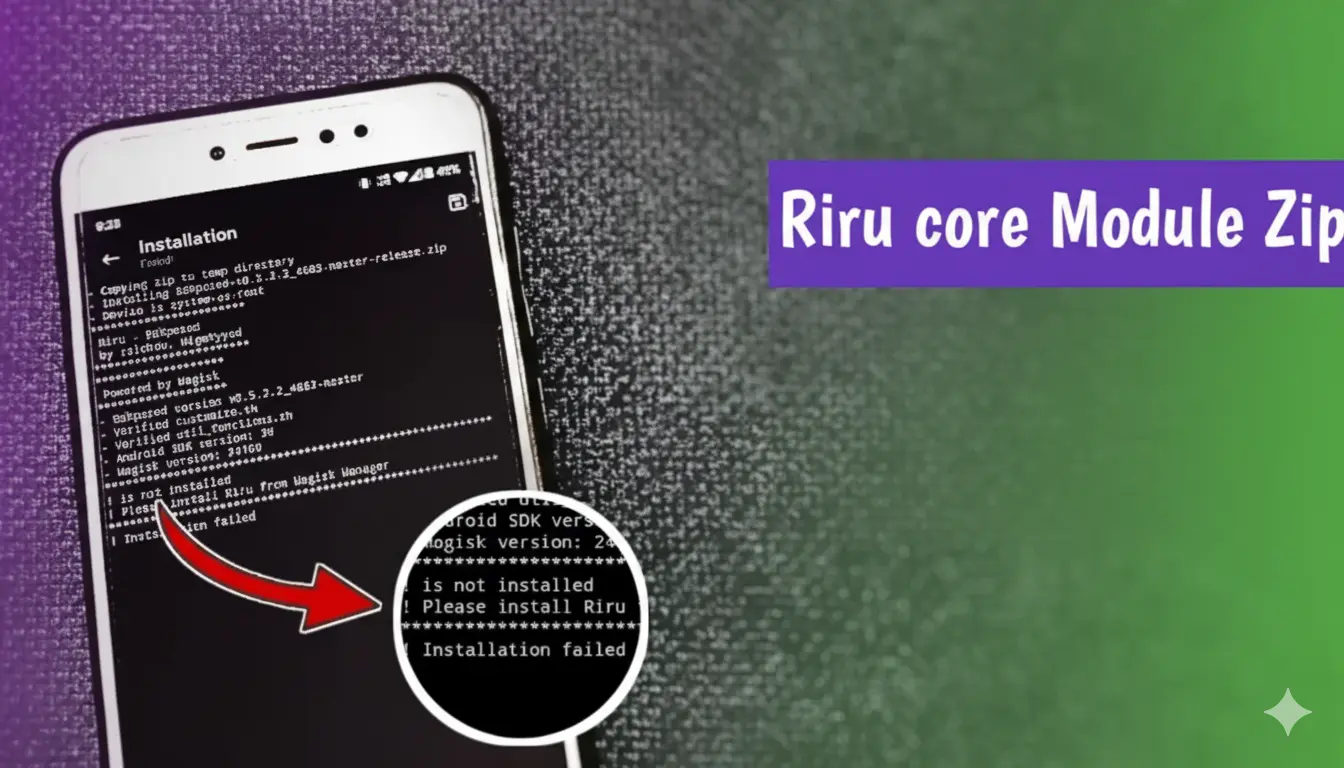
How to install riru core Magisk module
- Download Riru Core ZIP: Obtain the latest version from a trusted repository (e.g., the Magisk Modules Repo). magiskmodule.gitlab.io+1
- Open Magisk Manager → Modules: Tap on “Install from storage”, select the Riru Core ZIP.
- Install & Reboot: After installation, reboot the device so the module can initialize.
- Verify Installation: Open Magisk Manager → Modules and confirm Riru Core shows as active. You may install a Riru-dependent module (like LSPosed) to test.
- Install Additional Modules: Once Riru Core is installed and active, you can install other modules that depend on it (e.g., LSPosed, Universal SafetyNet Fix, etc.).
- Reboot Again: After installing new modules, reboot again to ensure everything loads correctly.
By following these steps, you’ll have Riru Core set up and ready for advanced Android customization.
Magisk Riru Zip Download Latest Version (2025)
| Property | Details |
|---|---|
| Module Name | Riru Core Magisk Module |
| Latest Version | v26.1.7 (2025 Release) |
| Developer | Rikka Apps (Official Developer) |
| Module Type | Magisk Module (Systemless Framework) |
| File Name | riru-v26.1.7.zip |
| File Size | 2.7 MB Zip File |
| Supported Magisk Versions | Magisk v23 – v27+ |
| Supported Android Versions | Android 8 (Oreo) to Android 14 |
| Architecture Support | arm64, armv7, x86_64 |
| Last Updated | October 2025 |
| Official Source / Download Link | Riru GitHub Repository |
Riru v25 4.4 Release Zip Download Latest Version (2025)
| Property | Details |
|---|---|
| Module Name | Riru Core Magisk Module |
| Latest Version | v25.4.4 (Release.Zip) |
| Module Type | Magisk Module (Systemless Framework) |
| File Name | riru-v25.4.4.zip |
| File Size | 230 KB File |
| Architecture Support | arm64, armv7, x86_64 |
| Last Updated | October 2025 |
| Official Source / Download Link | Riru Magisk Module |